Wallet One (W1)
Registration
Register in the system: www.w1.ru as an Online store
Business account or Personal account - you choose yourself.
Go to the Settings tab and fill in the store information.
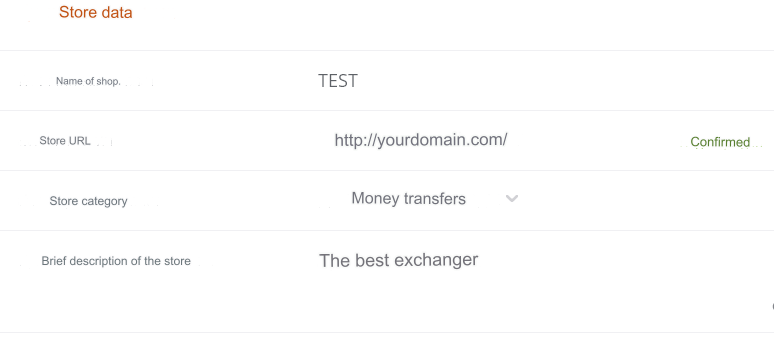
Store details
Store name - the name of your AEO
Store URL - enter the site URL
Store category - Money transfers
We recommend filling out all the fields below

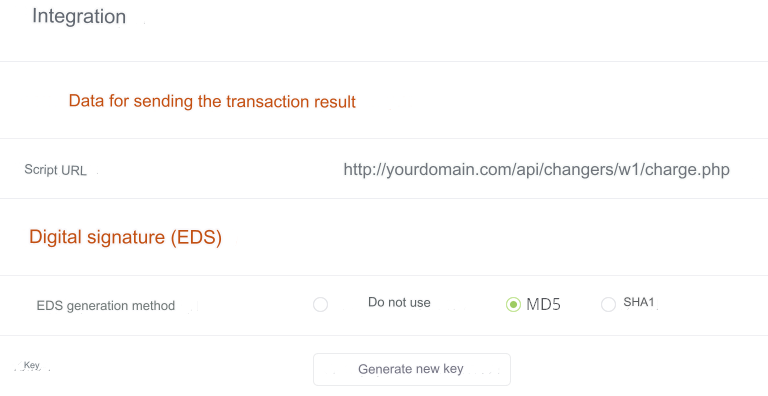
Go to the Integration tab
Settings
Script URL - https://yourdomain.com/api/changers/w1/charge.php (yourdomain.com - replace with your domain) EDS generation method - MD5 Key - generate a key Save settings

All other settings are as you wish.
Wait until the store is activated

Settings in the admin panel
By default, the payment system is disabled.
Go to settings Currency exchange - Payment systems - Disabled - W1 USD/RUB
Settings only for type: Semi-automatic.
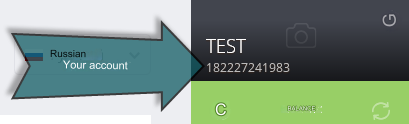
Account - enter your account in the system. Key - enter a set of Latin characters identical to that entered in the Key field in the W1 account. Save the settings.
Other settings
For a description of other settings, see the section: Payment systems
Response from system support about the possibility of connecting AEO
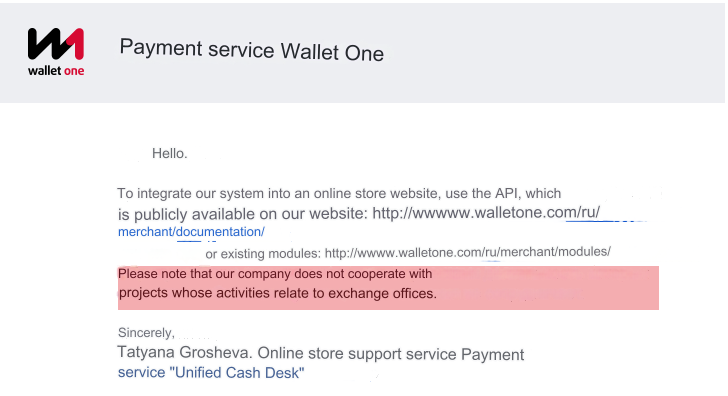
The possibility of automatic exchange is excluded.
Last updated