
Balance
Description
Using payment from your balance, you can change any currency without violating the rules and restrictions of payment systems.
Balance - the amount in the user’s account.
Of course, only registered users can pay from and to their balance.
Recommendations. Example
Come up with a unique name for your payment account Balance. Example: VU-Money
It is optimal to enter the same name in the settings: Settings - Configuration - Balance name
Describe the exchange process in the Help section
Exchange process
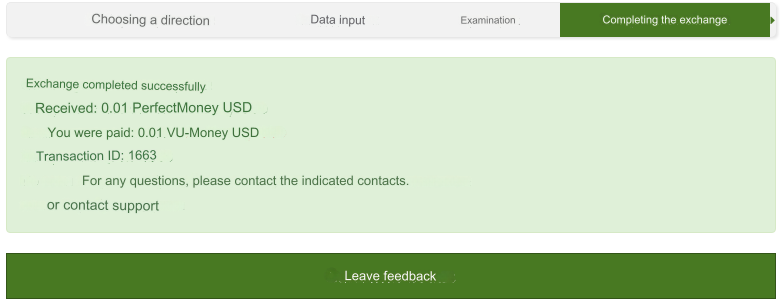
Balance for any payment
The registered user fills out all the required fields and if he has enough funds on his balance, he receives the ordered amount.
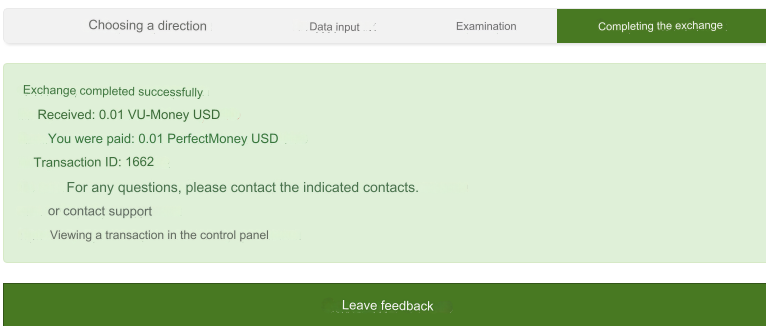
Any payment to Balance
Standard application and exchange procedure.
Settings in the admin panel
Go to settings Currency exchange - Payment systems - VU-Money.
Exchange types - select all or the desired one.
Don't forget to set types in rates
Other settings
For a description of other settings, see the section: Payment systems
Last updated