
LiqPAY
Merchant settings
Log in: https://www.liqpay.ua
First, on the Personal tab, add a card and then set the card to accept payments by clicking on it.
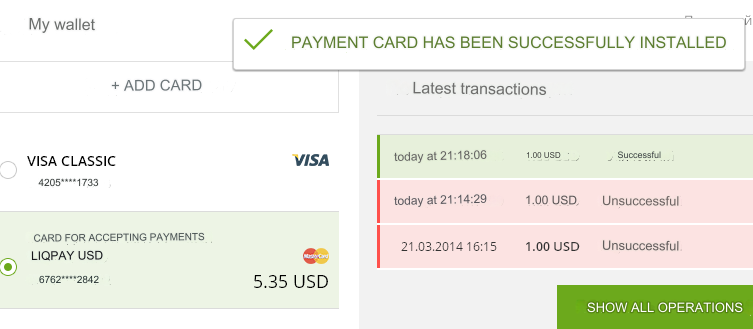
Fill in Personal information and then go to the Business tab
Click Connect Internet Acquiring
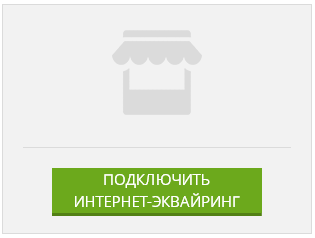
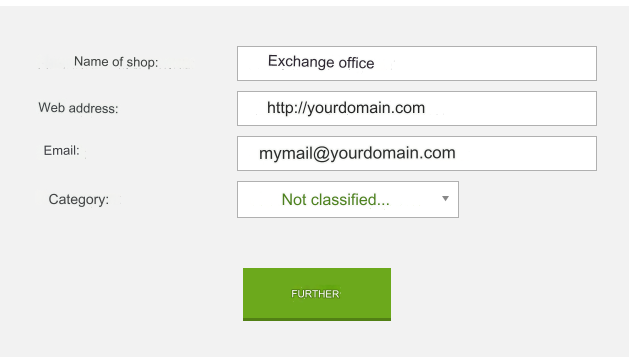
Fill in the fields:
Store name - the name of your AEO
Web address - enter the site URL
E-mail - enter your E-mail
Category - select a category
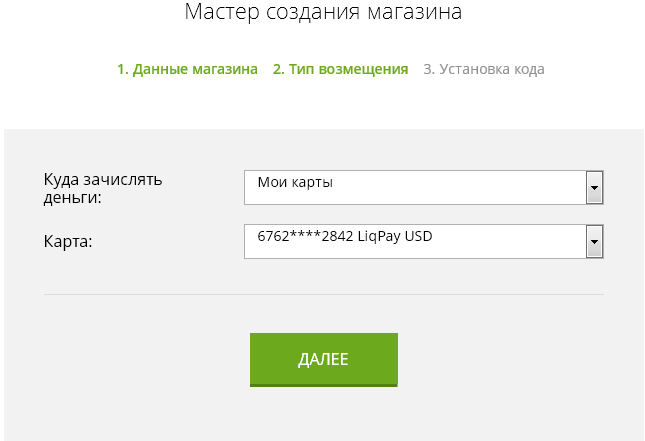
Next - Determine where to transfer the money yourself if you wish.
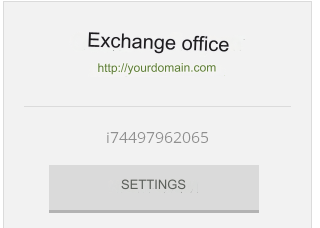
Next - return to the Business tab and click Settings on the back Acquiring and then the API tab
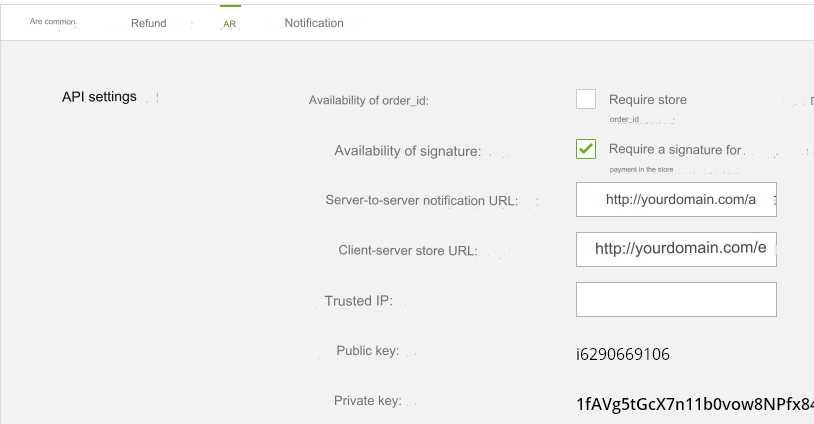
API settings
Presence of order_id - DO NOT check. Signature presence - check the box. Server-to-server notification URL - https://yourdomain.com/api/changers/liqpay/charge.php Client-server store URL - https://yourdomain.com/exchange/charge.php yourdomain.com - change to your URL Trusted IP - leave the field blank or enter the IP of your server for outgoing requests. Look on your main admin panel: Server IP for outgoing requests. Public key - will be needed in the settings in the admin panel. Private key - will be needed in the settings in the admin panel. Save settings
Settings in the admin panel
By default, the payment system is disabled.
Go to settings Currency exchange - Payment systems - Disabled - LiqPAY USD/EUR/UAH/RUB
Settings only for types: Semi-automatic and Automatic.
Public key - enter Public key from the LigPay settings. Private key - enter Private key from the LigPay settings. Save the settings.
Other settings
For a description of other settings, see the section: Payment systems
Last updated