
B2BWallet
Account settings
Register on the website: https://b2bwallet.io/
Go to the API page
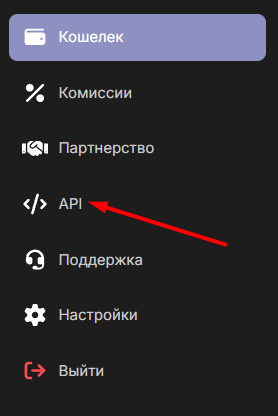
Click the "Create API Key" button and enter any name.
Copy the key for your settings in the admin panel.
Settings in the Admin Panel
Payment is disabled by default.
Go to Settings Currency Exchange - Payment Systems - Disabled - B2BWallet USDT.
Settings only for the following types: Semi-Automatic and Automatic.
API Key - Enter the API Key from the key generation page. Network - Network for multi-network currencies. Possible values: TRC20, ERC20, BEP20. Save settings.
Other settings
For a description of other settings, see the section: Payment systems
Last updated