
Blacklist
Description
In the Currency exchange - Black list section you can block accounts, wallets, E-mail.
Completing applications for accounts, wallets and E-mails listed in this section is prohibited.
When adding to the blacklist, you can select the Block connections option.
In this case, a search will be carried out in the transaction database and all matches with the login, IP, and all user accounts will be found.
All found connections will be added to the black list.
Blocking all details and user login
Go to the Users - User List section and click on the Blacklist icon.
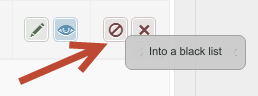
A modal window will open.
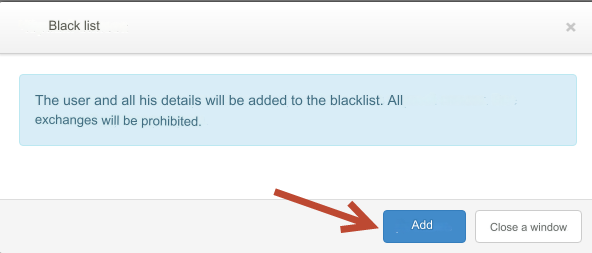
Click the Add button.
The user and all his details have been added to the blacklist. All exchanges will be prohibited.
To unblock the user and all his details, click on the Remove from blacklist icon.
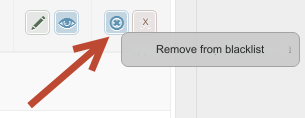
A modal window will open.
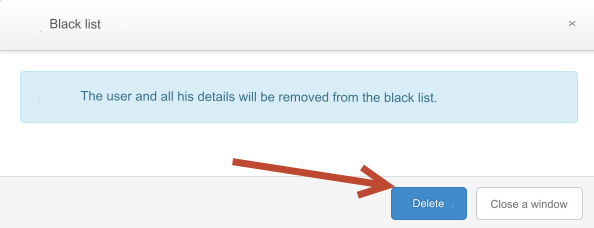
Click the Delete button.
The user and all his details will be removed from the black list.
Last updated