
Operator online/offline
Operator status
The operator status is displayed on the right side of the exchanger pages. Online or offline.
Any of the administrators logs into the control panel = status becomes online
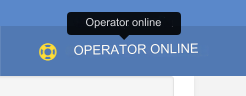
Operator is offline - you should log out of the admin panel by clicking on the Exit link.
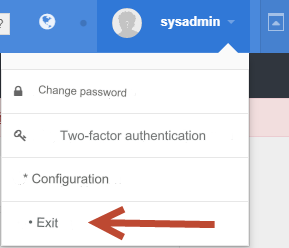
Operator status will change to offline.
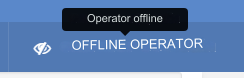
If the operator is online, then clicking on the Operator online link will open a chat window if you are using it.
If the chat is not used, then click to go to the Contacts page.
Support chat
You can use the chat widget from jivosite.ru or tawk.to
Register on the website jivosite.ru, add a channel (Chat on the site) and an operator. You receive the counter code in the channel settings.
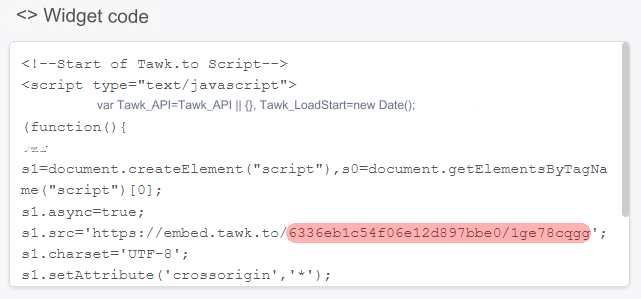
Register on the website www.tawk.to, go to the Administrator tab and add a project. You receive a counter code.
Enter the widget ID (see screenshots below) in the admin panel: Settings - Configuration - Support chat ID

Jivosite Support chat ID

Tawk Support chat ID
Last updated