
MD5 checksums
Description
In this section there is an option to create checksums of all files on your site with the possibility of reconciliation.
During the scanning process, files on the server are compared with MD5 checksums.
Recommendations:
Create your own MD5 file immediately after installing your site: MD5 checksums - Create image.
Create your own image after any changes to your server: - Update installations. - Design changes. - Adding any files to your server.
If you suspect the presence of third-party files on your server, check your MD5 image.

CRON - MD5 checksums
To enable the task, go to the Scheduler (CRON) section
Enable the task: MD5 checksum verification.
If changed or added files are found on your server, you will receive letters with the following content to the admin’s system email:
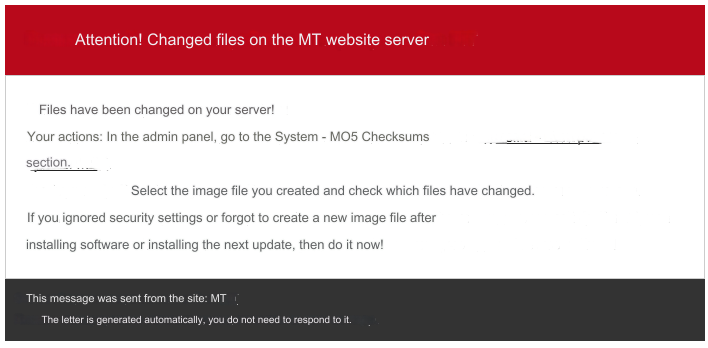
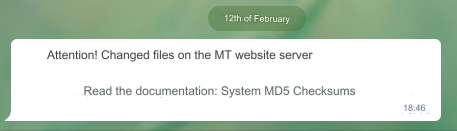
If you have Telegram configured, you will receive messages on it as well:
Last updated